Augmented Reality

Anyone writing computer vision for XREAL Aura hits the same wall early. Jetpack XR gives an app the head pose, anchors and planes, and it gives no camera image and no intrinsics. Developers have asked about it on the Unreal forum (3 Nov, unanswered when we checked on 18 Nov) and in android/xr-samples issue 7, and Google's own xrblocks added a hand-entered ?camera=aura profile on 9 Nov.
We hit it building the XREAL Aura sample in our Android SDK, which localizes the glasses against a MultiSet map and tracks objects on them. Everything below comes from that sample's source.
Android XR exposes Aura's world-facing RGB camera to Camera2 as LENS_FACING_BACK, with the id "0", behind the standard CAMERA permission. The sample also asks for android.permission.HEAD_TRACKING, plus SCENE_UNDERSTANDING_COARSE for the anchors it places. Glasses tethered to a host can report their camera as LENS_FACING_EXTERNAL, so the sample falls back to that. It never picks the front camera, which on XR headsets carries the user's avatar.
On Aura, Build.MANUFACTURER reads "Google" and Build.MODEL reads "Aura" or "Android XR Puck", so match on both. Test on the glasses themselves. The glasses emulator advertises a camera and then returns an empty camera list, as Extentos also found.
The sample takes one JPEG still per localization through Camera2 rather than reading a preview stream. It scales the whole frame to 1280 by 720 without cropping and rejects a portrait frame. Scaling the whole image moves every intrinsic by one factor, while a crop also shifts the principal point, which is easy to forget when the numbers come from somewhere else.
Read SENSOR_TIMESTAMP and the exposure time from the capture result, take the midpoint of the exposure, and convert it from the sensor's clock to the one your head pose runs on. The sample converts between elapsedRealtimeNanos and nanoTime for this. Then interpolate the Jetpack XR head pose between the samples on either side of that instant.
A pose read when the capture callback fires arrives after the JPEG encode. On a head that's turning, that lag turns into an offset in the result, and the offset grows with the distance to whatever the camera was looking at.
Camera2 can report intrinsics per frame (CaptureResult.LENS_INTRINSIC_CALIBRATION) and per camera (CameraCharacteristics.LENS_INTRINSIC_CALIBRATION). Aura camera 0 returns neither. A guess from the nominal focal length and sensor size gets close, and a wrong focal length puts content too near or too far along the line of sight by a share of the distance.
The sample tries four sources in order. It takes per-frame values first, then per-camera values, then a profile measured offline for the device, and only then the focal-length estimate, with a warning in the log.
The profile for Aura camera 0 comes from a ChArUco calibration video recorded on 7 Oct 2026. Values are in active-array pixels with the Camera2 pixel-centre convention, the same as LENS_INTRINSIC_CALIBRATION.
| Parameter | Aura camera 0 |
|---|---|
| Active array | 1920 by 1080 |
| fx, fy | 1279.5, 1279.5 |
| cx, cy | 963.0, 530.6 |
| Skew | 0 |
| Radial distortion | k1 -0.040, k2 +0.021, measured and left unapplied |
That works out to a field of view of roughly 74 by 46 degrees. The two-term radial model beat a fuller model in an on-device test against live localization, with a median confidence of 0.92 against 0.905 and half the scatter between fixes. If your unit measures differently, we'd like to hear about it.
The MultiSet Android SDK carries no ARCore or Jetpack XR dependency. An app implements one interface and returns a frame with its pose and intrinsics.
interface FrameSource {
    suspend fun acquire(): CameraFrame?   // null when no frame is ready
}

data class CameraFrame(
    val bitmap: Bitmap?,                // RGB camera image (null skips the frame)
    val cameraPosition: Vec3,           // world position (x, y, z)
    val cameraRotation: Quat,           // world rotation (x, y, z, w)
    val intrinsics: CameraIntrinsics,   // fx, fy, cx, cy, imageWidth, imageHeight
    val orientation: DeviceOrientation  // PORTRAIT or LANDSCAPE
)
Pass the raw camera pose and let the SDK apply any portrait correction itself, since correcting it first rotates the frame twice. On Aura, AuraFrameSource does the work above inside acquire(), on a background dispatcher because resampling a still is heavy.
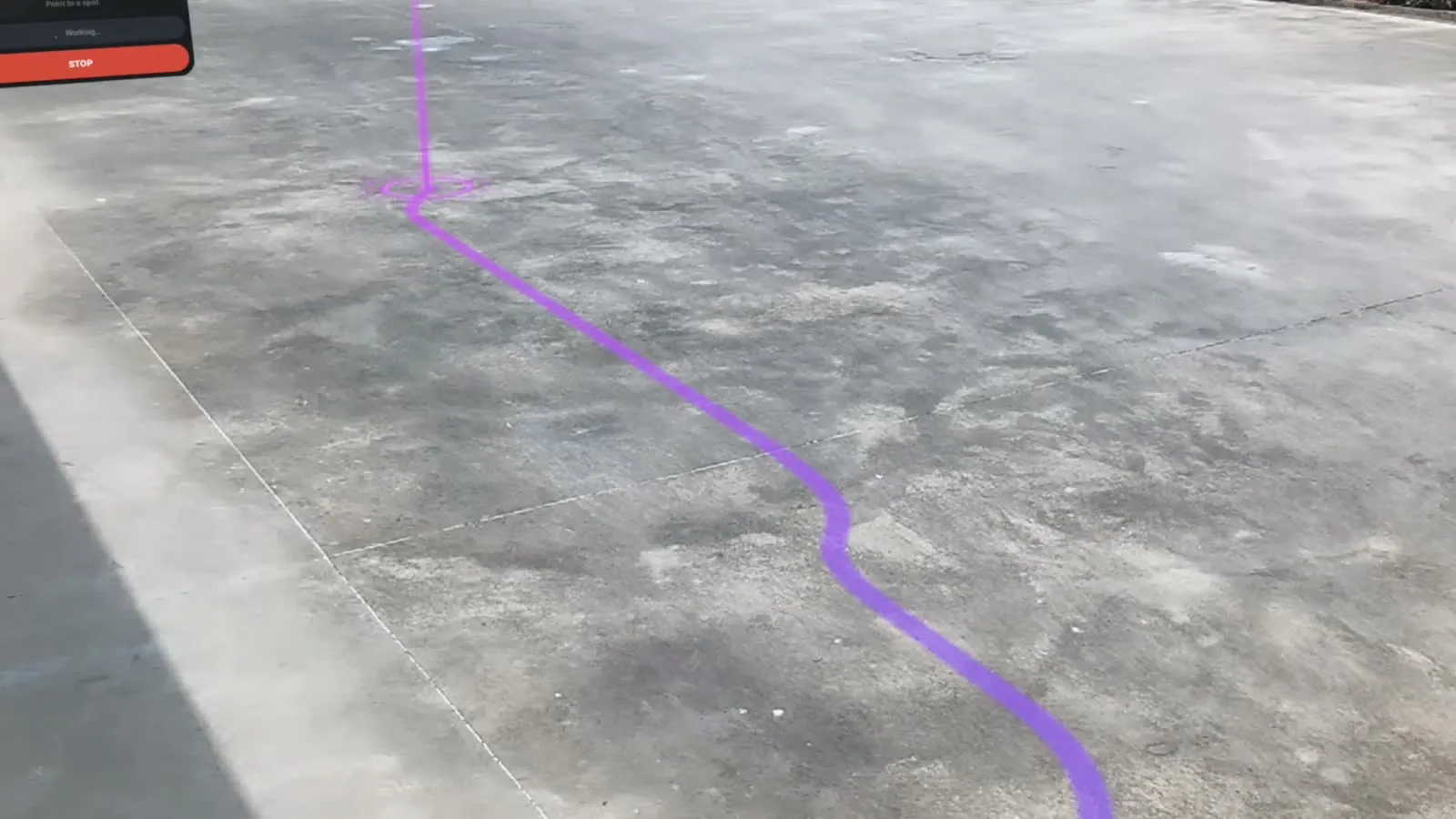
With frames, poses and intrinsics in place, the sample localizes Aura against a MultiSet map or MapSet from a single frame or a short burst, and outlines each tracked object with an anchor of its own. SceneCore places the results in the room, which needs the app in Full Space. When head tracking drops and returns, the sample re-localizes and re-tracks by itself.
The map comes from a scan you already have, an E57, a Matterport space or a phone scan, and the XREAL Aura page covers what that makes possible on a site. The sample needs Android 14 or newer and installs from the repository with ./gradlew :xreal-aura-vps:installDebug, with the glasses or the puck connected over adb.