The Complete Toolkit
for Large-Scale Spatial Computing

MultiSet SDKs for Visual Positioning
Unity, iOS, Android, WebXR & Meta Quest
Extend your existing Unity, iOS, and Android workflows with centimeter-precise VPS

Our SDKs inject a persistent 6DoF coordinate system directly into your session origin - handling relocalization, drift correction, and WGS84 alignment without overriding your native tracking configuration.

SDKs & Open APIs

Unity, native iOS & Android, Meta Quest, WebXR and ROS 2 share one SDK. Sample scenes, CLI map-uploader, REST/vps/pose and GraphQL map management integrate with any CI/CD. Zero-install endpoints let WebXR & iOS App Clips launch AR from a QR code.
Unity SDK
Drag-and-drop package, C# helpers and sample scenes - localize a Unity app in under 10 min.
Native iOS SDK
Swift Package Manager build; uses LiDAR when present for extra accuracy.
Native Android SDK
Lightweight AAR with Kotlin examples; about 52 ms on-device localization.
WebXR Kit
Zero-install browser runtime; launch spatial experiences from a QR code.
Quest SDK
Unity package with passthrough samples, built for industrial AR on the Meta Quest series.
Custom Viewport
Bring your device or robot - we’ll build the viewport and provide a tailored endpoint.

Markerless AR Mapping, VPS & Object Tracking in One SDK
One SDK · Any Device · Infinite Scale

MapSet + Object Tracking

Build enterprise-grade spatial experiences that track and pin digital content to any environment and any object - indoors, outdoors and multi-floor - across WebXR, Unity, iOS & Android

MultiSet VPS SDK.
Built for Developers, Trusted by Enterprise.

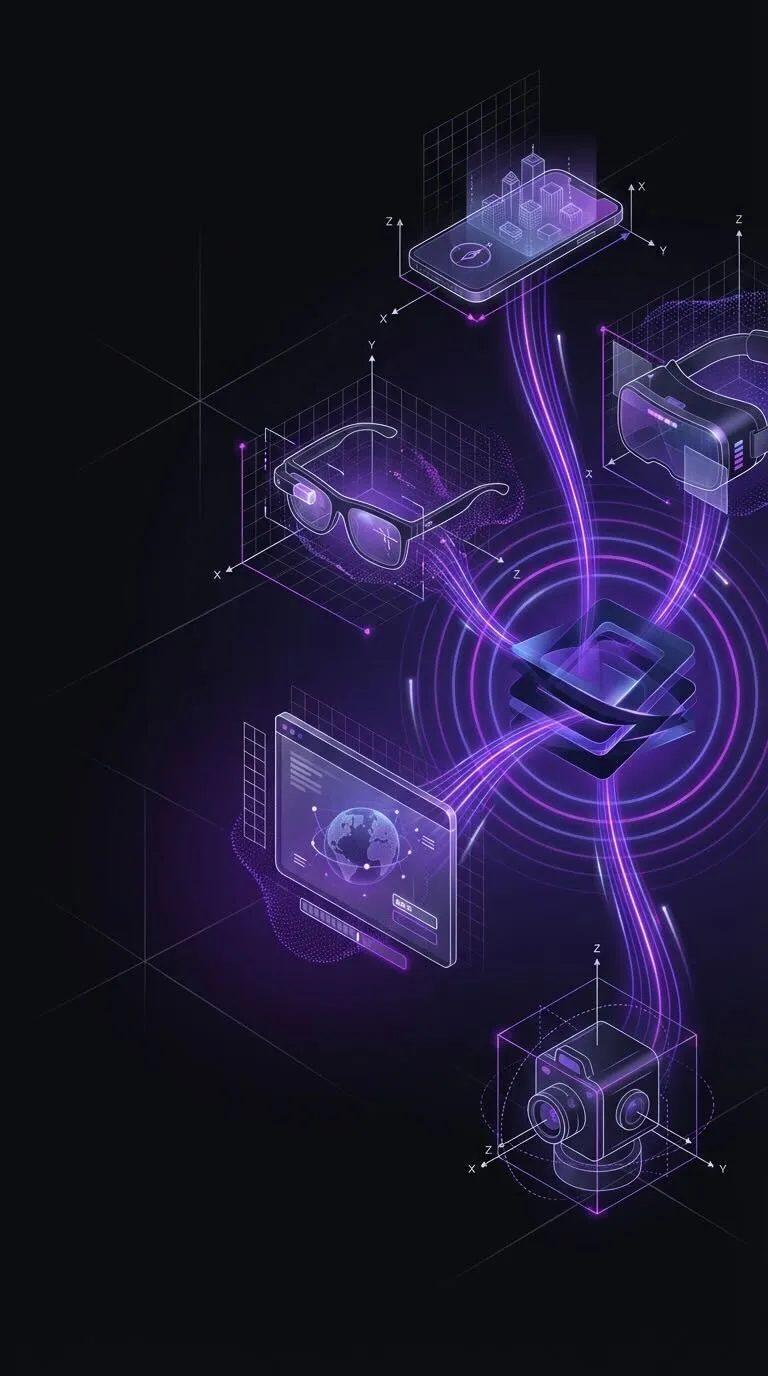
Futuristic digital illustration showing a 3D chip at the center connecting to a smartphone, smart glasses, VR headset, computer screen with globe, and a 360-degree camera with neon purple data streams.
Unified SDK
One SDK, Every Device
Unity, native iOS & Android, Meta Quest, WebXR and ROS 2 all run the same lightweight SDK. Import the package, call MultiSet.Localise(), and watch phones, smart glasses and HMDs lock on-site, in about 52 ms on-device - no platform forks, no viewport-specific tweaks.
Features
Cross-platform (iOS, Android, Meta Quest, Android XR)
Precise 6-DoF localization (centimeter-level accuracy)
WebXR and App Clips compatible SDK
Sample apps in SDK
REST API for VPS for integration with any camera-based device
Talk to an expert
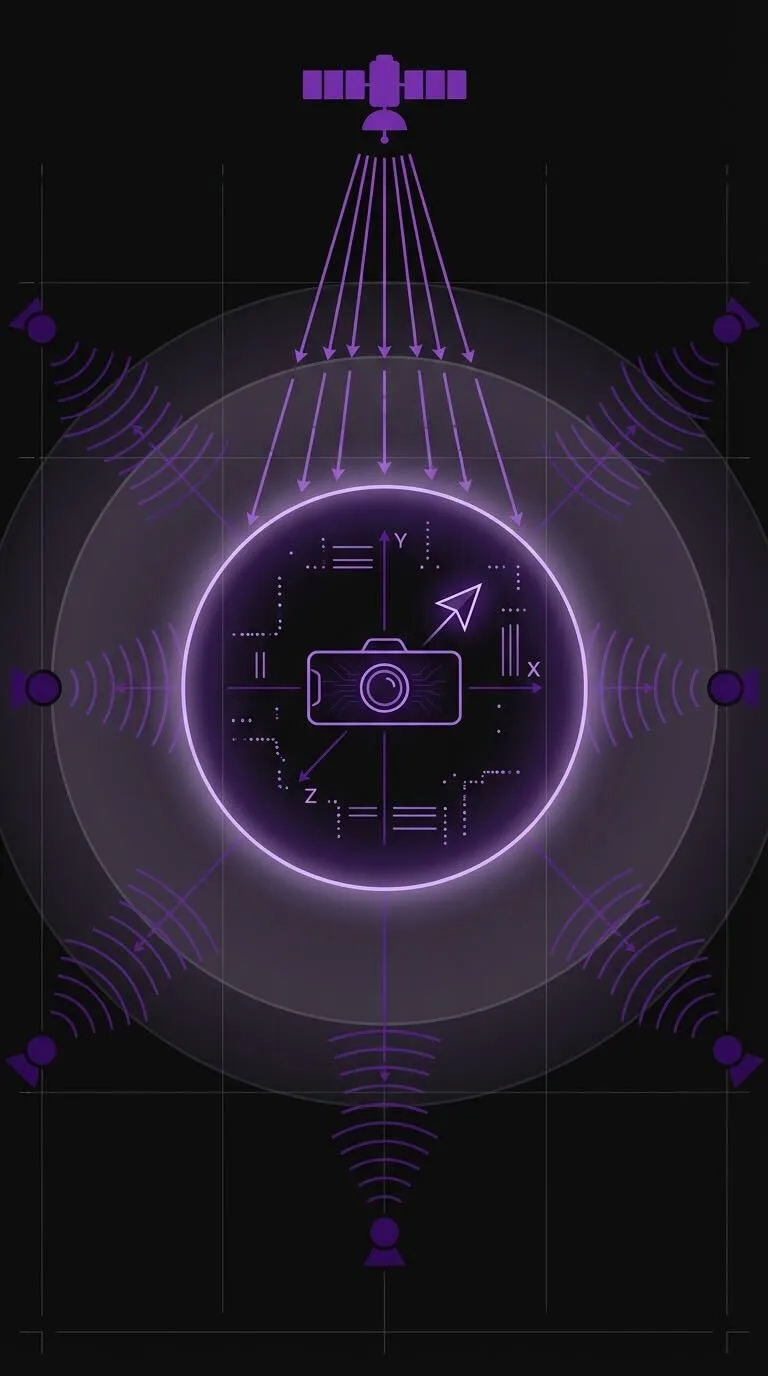
Illustration of a camera surrounded by axes X, Y, Z inside a glowing circle, with satellite and sensors emitting signals toward it.
Hint Position
Centimeter-Level 6-DoF + Geo HintPosition
MultiSet holds sub-5 cm accuracy as users tilt, rotate or switch sensors, and accepts HintPosition - a WGS84 latitude/longitude prior from GPS or UWB.
The engine narrows its search space, resolves look-alike scenes and delivers faster, more accurate poses while cutting device CPU and memory usage.
Talk to an expert
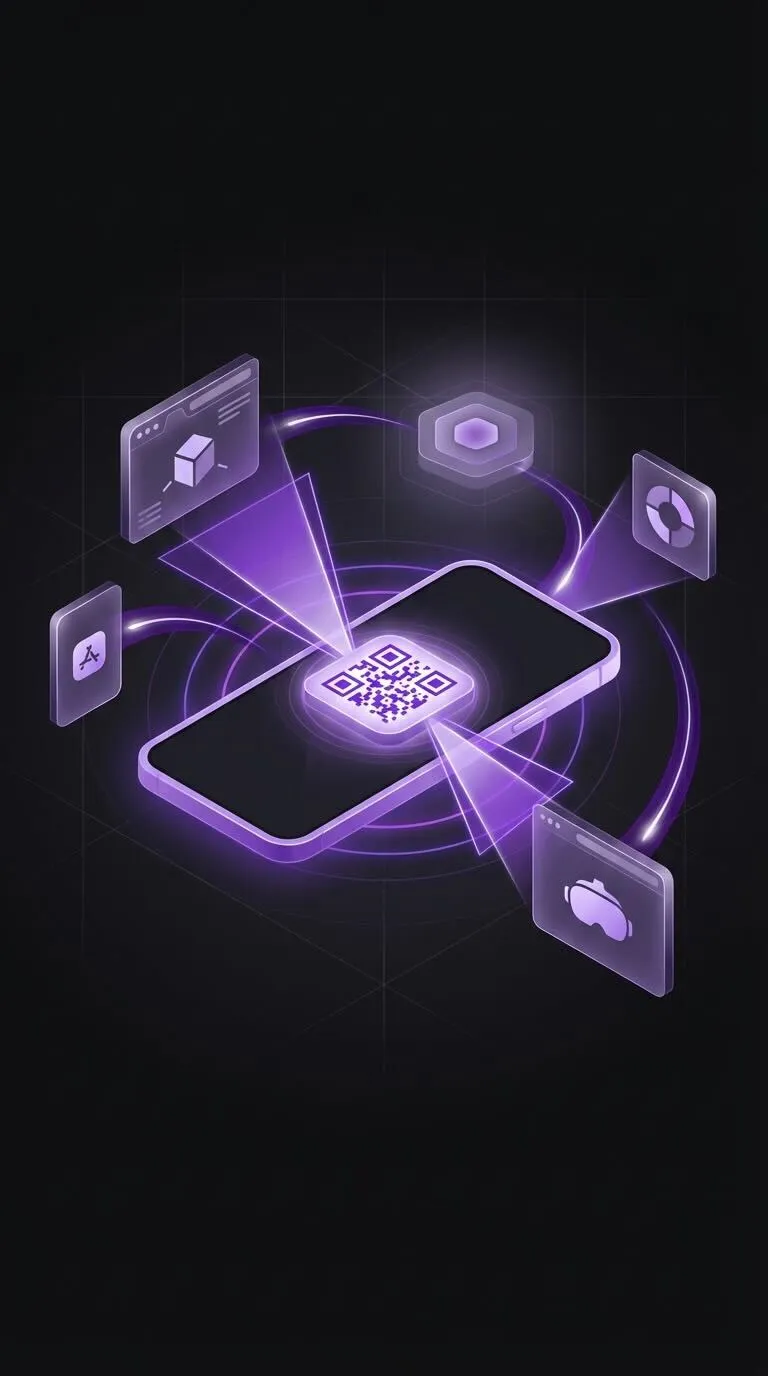
3D illustration of a smartphone displaying a glowing QR code with digital icons representing apps and technology surrounding it in purple tones.
Zero Install
Instant-Launch, Zero-Install Endpoints
Launch spatial experiences straight from a QR code - no app-store friction. WebXR and iOS App Clip endpoints spin up in < 5 s, then hand off to the full SDK when deeper capability is needed, giving you maximum reach with minimum commitment.
No Install SDKs Supported:
WebXR
App Clips
Mini Apps
Meta Quest Browser
Talk to an expert
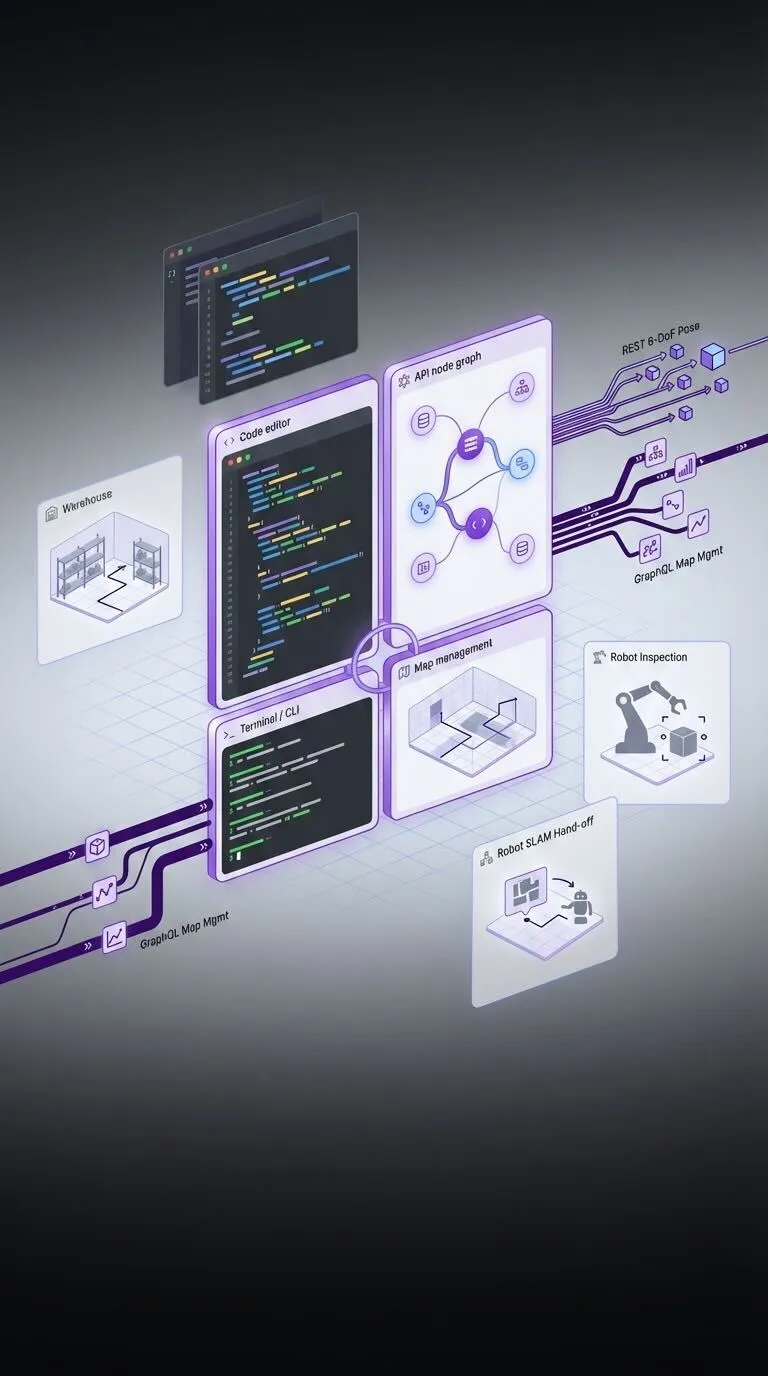
Diagram showing interconnected software components including code editor, API node graph, warehouse, map management, robot inspection, and robot SLAM hand-off with data flow lines.
Dev Toolkit
Developer Toolkit & Open APIs
Kick-start builds with sample scenes - warehouse navigation, asset inspection, robot SLAM hand-off and a CLI uploader for batch scans.
A REST vps/pose endpoint streams 6-DoF JSON to any camera-equipped device, while GraphQL map management fits neatly into CI/CD.
Everything is version-pinned, fully documented and backed by an active Discord community.
Talk to an expert
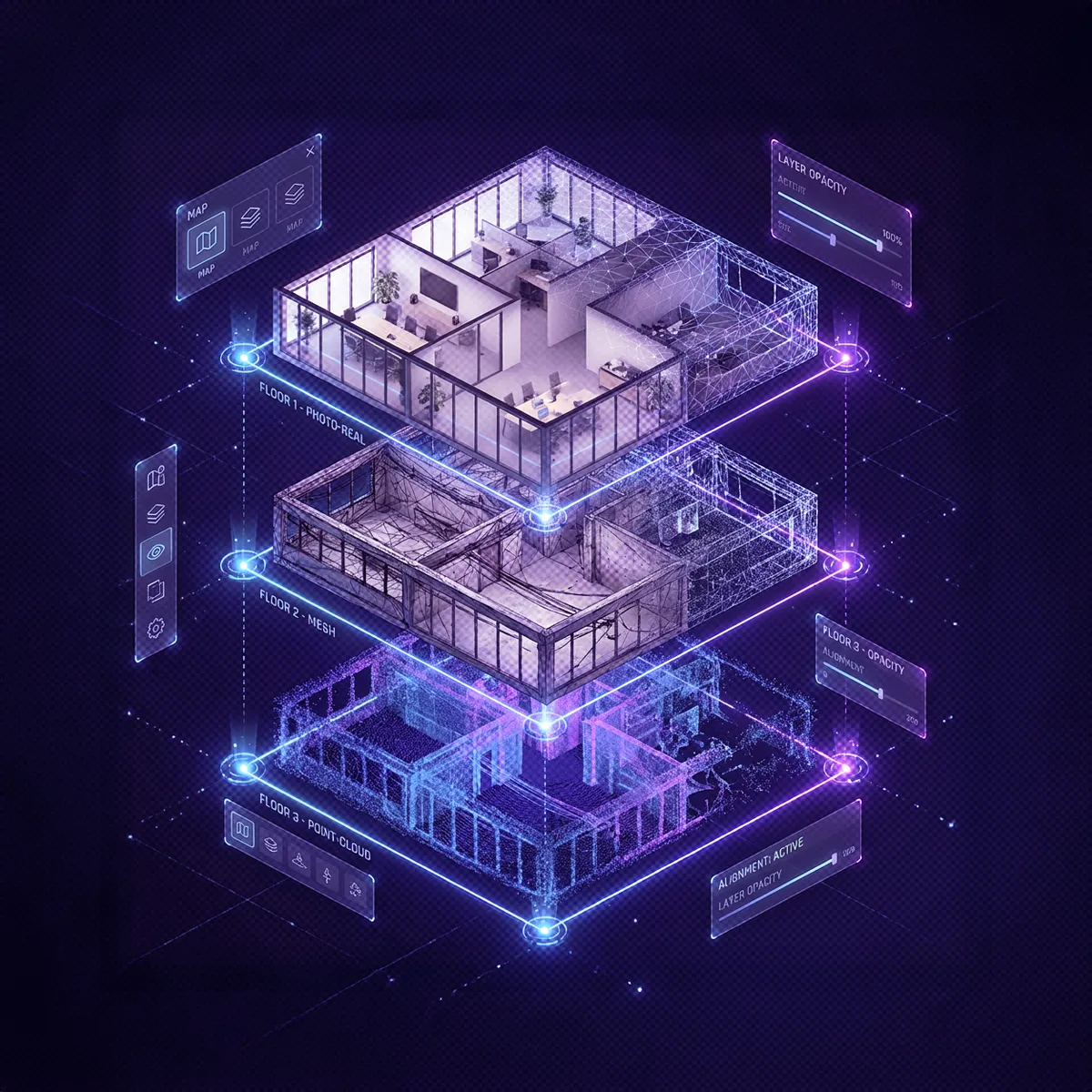
3D architectural visualization of a multi-floor building showing photo-realistic, mesh, and point-cloud layers with interactive UI elements for map and opacity control.
3D Mapping & Capture
• Import scans from Matterport, NavVis, Leica, XGRIDS, FARO, 360 cameras, E57 point clouds and more
• Map in real time with MultiSet Mapper (iOS)
• Fuse GNSS and beacon data for continuous outdoor-to-indoor coverage
• Capture the same space with multiple devices at once
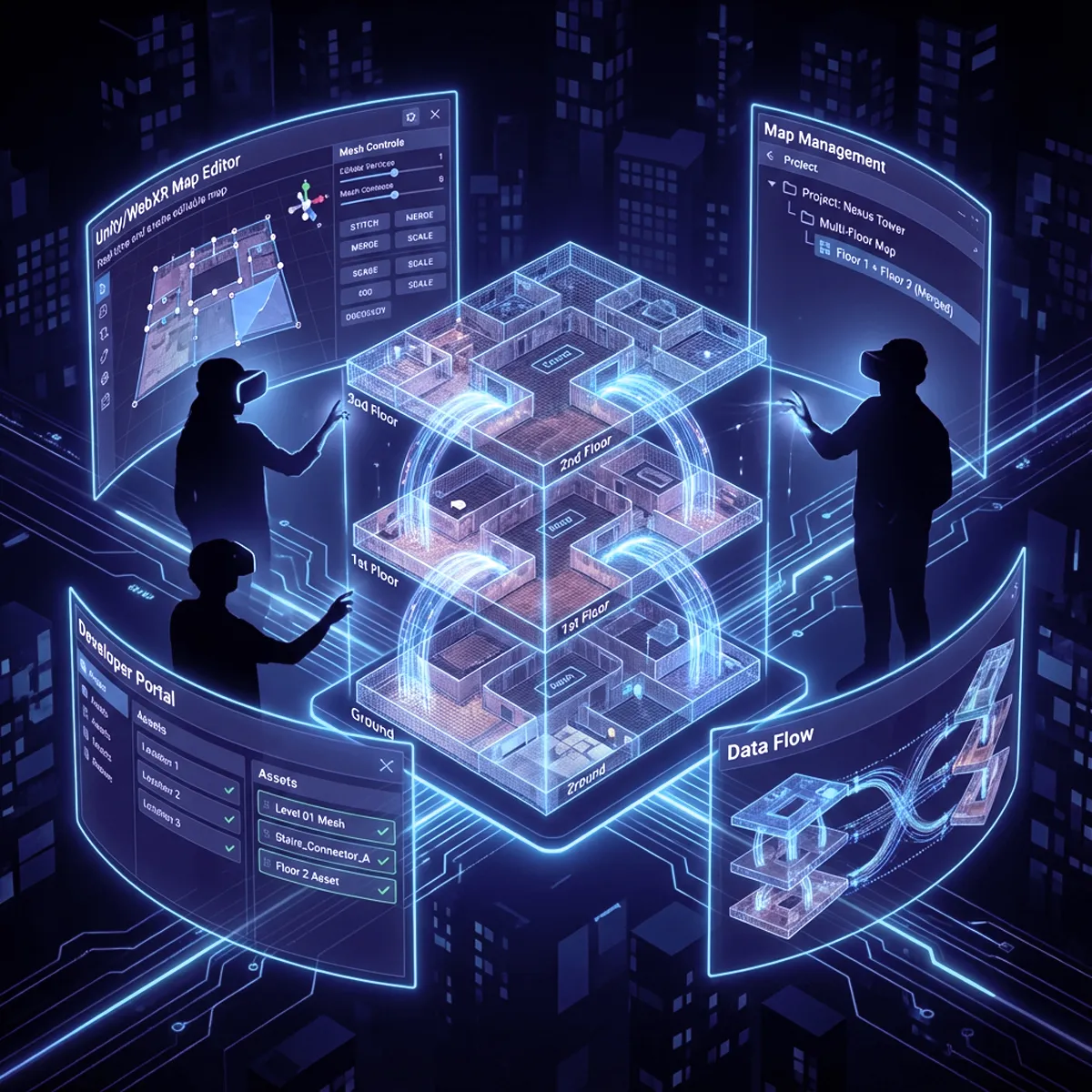
Silhouettes of people wearing VR headsets interacting with a 3D holographic multi-floor building model and digital interface panels showing map editor, project management, developer portal, and data flow.
Map Management & Scaling
• Re-map a space whenever it changes
• Merge floors and wings with MapSet multi-floor stitching
• Edit spatial meshes in-browser with the map editor
• Organize assets in a MultiSet developer portal or integrate your own
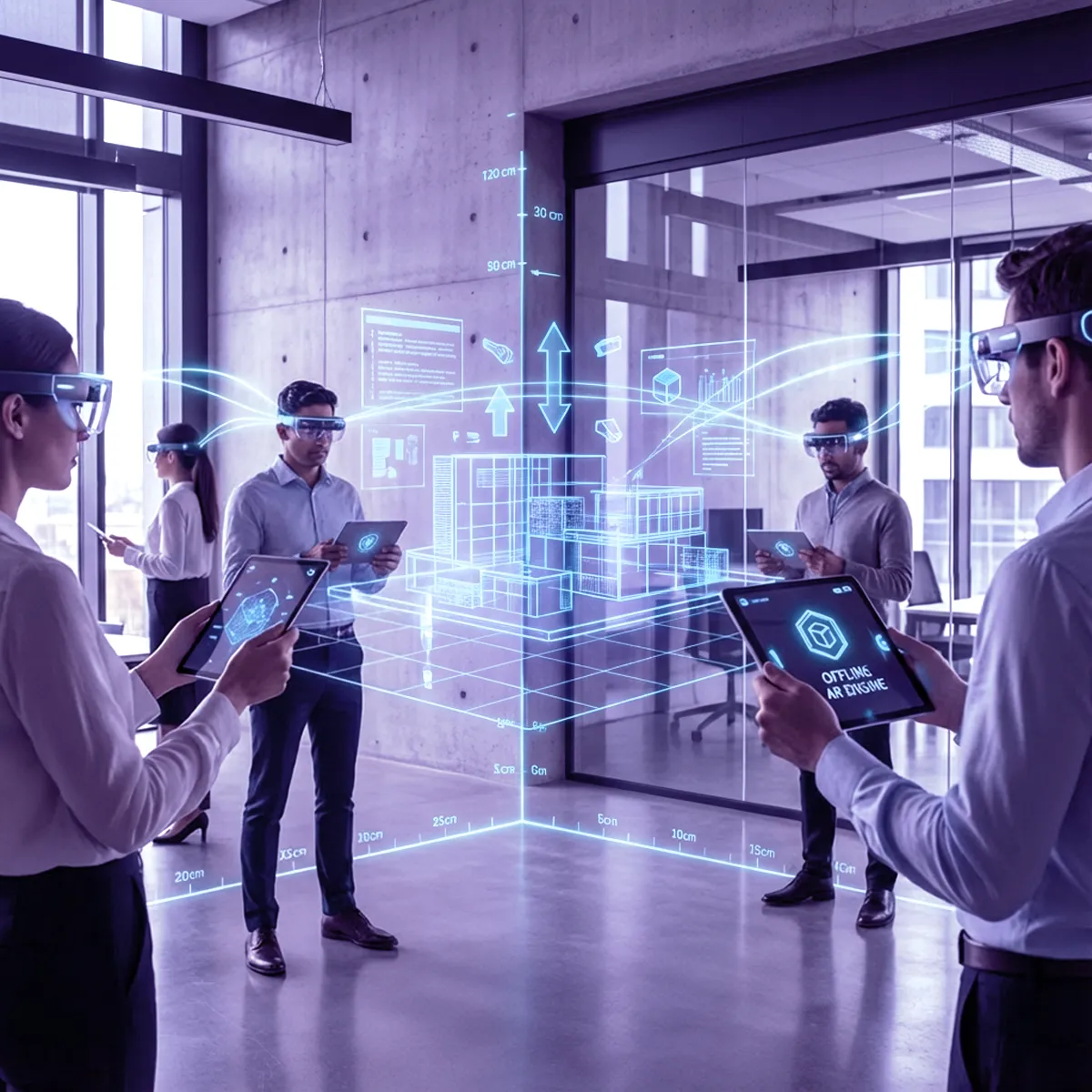
Five professionals in an office using augmented reality glasses and tablets to interact with a 3D holographic building model.
Runtime Localization & Shared AR
• Deliver instant 6-DoF VPS accuracy (sub-5 cm median)
• Keep apps live even offline with the on-device engine
• Host shared AR sessions so every user sees the same content
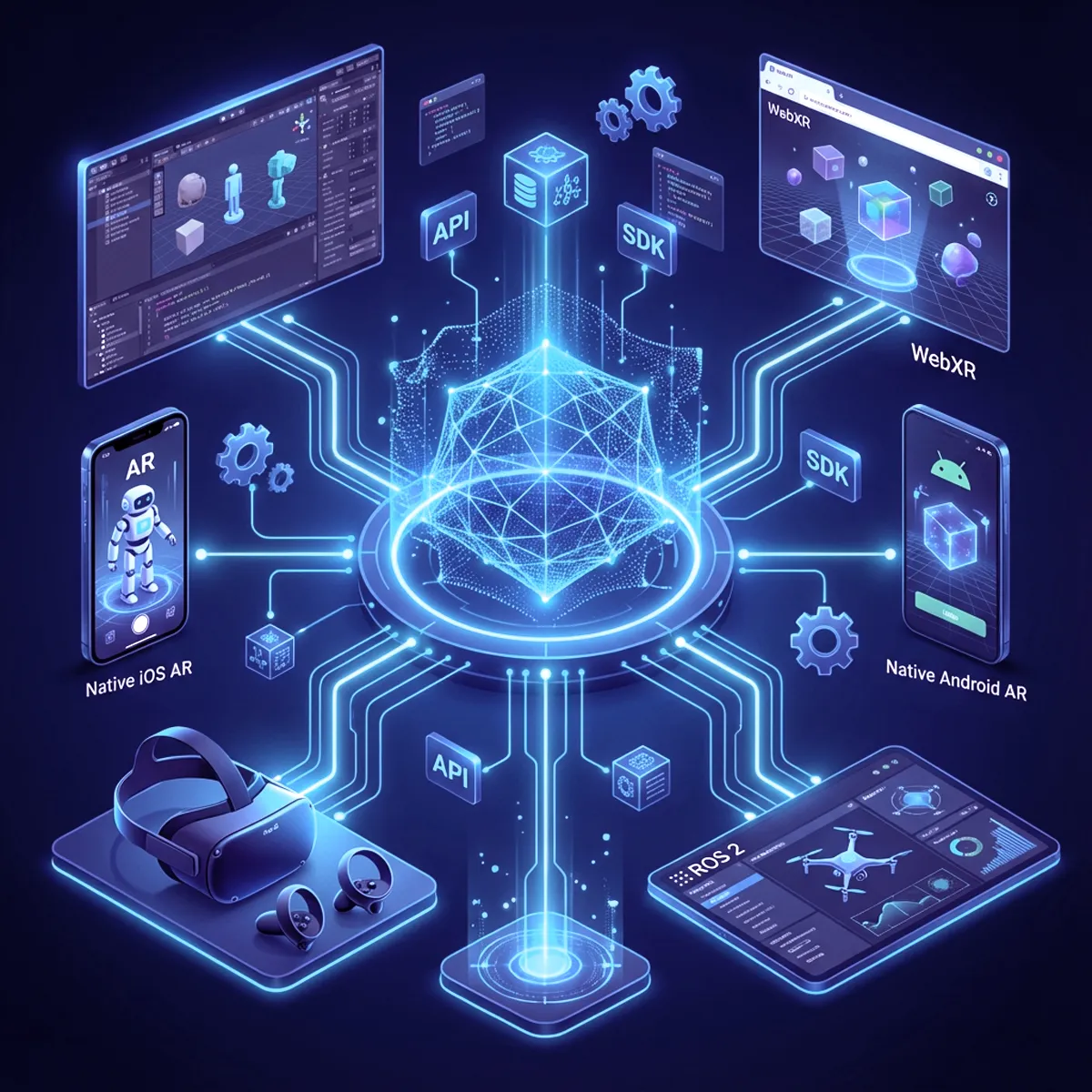
Digital illustration of a central glowing 3D wireframe cube connected to various devices and platforms including VR headset, smartphone with AR, web browser with WebXR, tablet with drone interface, and computer with 3D models, labeled with API and SDK icons.
Cross-Platform SDK & APIs
• Unity SDK for rapid prototyping
• Native iOS & Android libraries for production apps
• Meta Quest integration for headset workflows
• WebXR Kit for browser-based AR
• ROS 2 support for robotics and drones
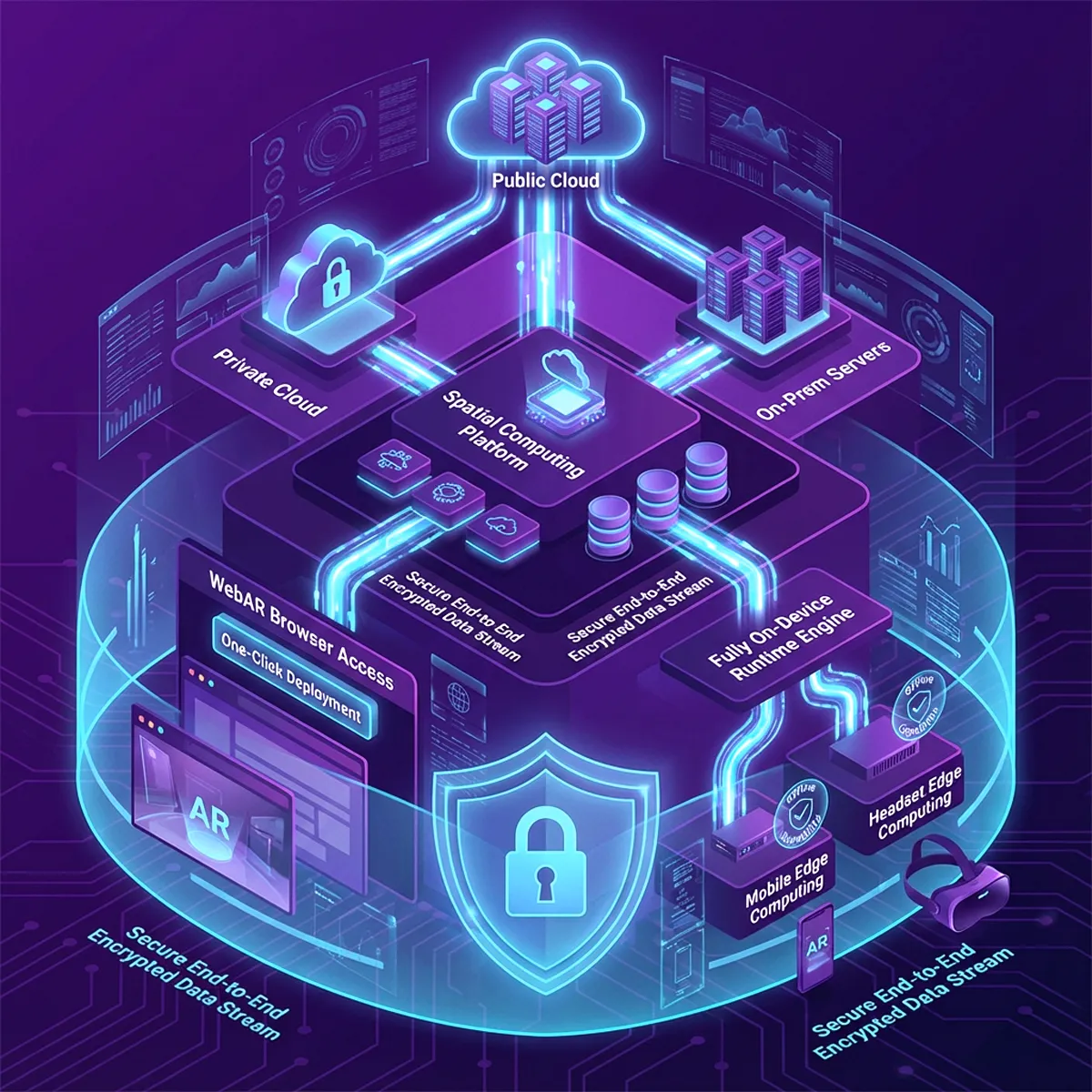
Diagram illustrating a secure spatial computing platform connecting public cloud, private cloud, and on-prem servers to WebAR browser access and fully on-device runtime engine with mobile and headset edge computing through secure encrypted data streams.
Deployment & Security
• Deploy to MultiSet Cloud
• One-click deploy on WebAR & browser
• Run in your own private cloud or self-host on-prem
• Use the fully on-device engine when connectivity is limited
• Protect data end-to-end with enterprise-grade encryption
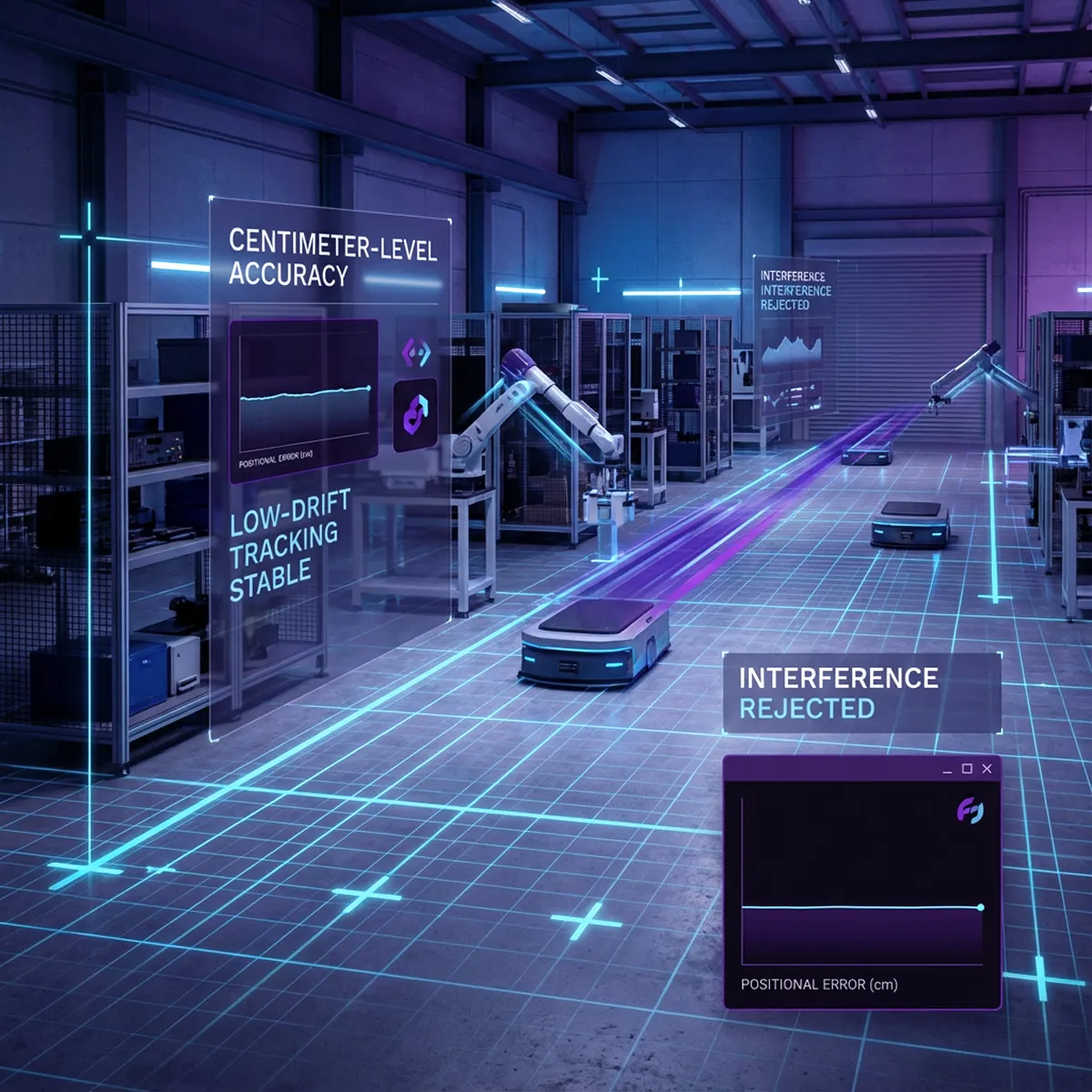
Futuristic warehouse with robotic arms and autonomous mobile robots, displaying holographic interfaces showing centimeter-level accuracy, low-drift tracking stability, and interference rejection graphs.
Performance & Reliability
• Centimeter-level accuracy, tested in the AREA 2025 VPS Benchmark
• Low-drift tracking that adapts to dynamic or low-light scenes
• Stable localization and tracking in dynamic, changing and interference-laden environments
People wearing VR headsets and gloves interacting with virtual interfaces showing coding, charts, and tutorials in a futuristic digital environment.
Support & Community
• Engineer-led Discord and a support ticket portal on every plan
• Access tutorials, sample projects, and workshops

Deploy With Full Control of Data & Latency

Self-Hosted
Drop our container bundle into your own Kubernetes or bare-metal fleet and keep every voxel behind your firewall. Zero external calls, full root-level control.
MultiSet Cloud
Spin up in minutes on MultiSet Cloud, fully managed and autoscaled, with a 99.95% uptime target on paid plans and billing that grows with use.
Private Cloud
Dedicated VPC on AWS, Azure or GCP with single-tenant resources, custom SLAs and direct peering to your corporate network.
On-Device
Run VPS localization on the device itself, live on iOS and Android, with other GPU, CPU or NPU devices on request. Built for air-gapped sites and AR where latency matters.
Smart glasses

Meta Ray-Ban Display

MultiSet is a launch partner for the Meta Wearables Device Access Toolkit, which opens the Ray-Ban Display camera to third-party developers. VPS localization runs through it.

What changes on glassesWhy it matters for localization
Nobody frames the shotThe camera sees ceiling, floor and blur. Localization has to work on views nobody composed
Queries never stopWith no shutter, the pose is maintained and query latency matters
Heading error is in viewA few degrees off reads as wrong on a display in your line of sight

Privacy: MultiSet localizes against a prebuilt map and returns a pose. Imagery doesn't need to leave the device, and the same SDK works with MultiSet Cloud, a private VPC, self-hosted or fully on-device. More in VPS on smart glasses.

Android XR

Supported today: the Unity SDK and the REST API run on Android XR, since a localization call is a camera frame and an HTTP request.

Not yet: a native Android XR runtime with platform tracking. It's on the roadmap, so plan on the Unity path for now.

Which SDK for which platform

PlatformLanguageSample sceneLocalization modesRuns on-device
UnityC#YesSingle frame, continuous, Deep SearchYes, iOS and Android
iOS nativeSwiftYesSingle frame, continuous, Deep SearchYes
Android nativeKotlinYesSingle frame, continuous, Deep SearchYes
WebXRJavaScriptYesSingle frame, continuousNo, cloud query
Meta Quest 3C# via UnityYes, with passthroughSingle frame, continuousYes
Meta Ray-Ban DisplayWearables Device Access ToolkitYesContinuousYes
ROS 2C++ and PythonYesSingle frame, continuous, TF publishYes
RESTAnycURL examplesSingle frame, Deep SearchServer-side

Getting a first lock

Most teams get a first lock within ten minutes of importing the sample scene.

StepWhat to do
1. Create a mapUpload an E57, Matterport, NavVis, Leica, FARO, XGRIDS, splat or 360 scan, or capture with MultiSet Mapper
2. Get a keyCopy an API key and the map ID from the developer portal
3. LocalizeSend a frame and its intrinsics. You get back a 6-DoF pose and a confidence value
4. Gate on confidenceSkip low-confidence poses. A confident wrong answer is worse than none

Start free at developer.multiset.ai.

Frequently asked questions
Which SDKs and platforms does MultiSet support?

Unity, native iOS, native Android, WebXR and Meta Quest, plus Meta Ray-Ban glasses. Anything else with a camera can localize through the REST API. For robots there's a Unitree Go2 adapter over WebRTC, and ROS 2 is a supported SDK target. The SDKs sit on top of your existing AR session rather than replacing it, so your native tracking setup stays as it is.

How do I localize my first device?

Create a Free account at developer.multiset.ai. You don't need a credit card. Map a space with the MultiSet app on a LiDAR iPhone or iPad, or upload a scan you already have. Then open a sample scene in the SDK for your platform, point it at your map and localize. The Free plan's 1,000 API calls are enough to build and test an integration.

How accurate and how fast is localization?

Sub-5 cm median 6-DoF accuracy, with an SLA under 10 cm and under 1 cm of drift at 10 m. Cloud localization takes 1.5 to 2.5 s for a single frame and 2.7 to 3.5 s for a multi-frame query. On-device localization runs in about 52 ms. Between localizations the SDK tracks the device locally, so your app doesn't wait on the network for every frame.

What counts as an API call?

Each cloud localization request. Single-frame, Deep Search and 360 panorama queries count as 1 call each, and a multi-frame query of 4 to 6 images counts as 4 on either engine. Object tracking queries count too. Tracking between localizations runs on the device and is free, so your call volume comes down to how often your app re-localizes.

Which scan formats can I import, and what can I export?

E57 with panoramas from Matterport, Leica, NavVis, FARO and XGRIDS, Matterport MatterPak, metric-scaled Gaussian splats with poses, and 360 video from Insta360 X4 and X5 or any camera that writes 2:1 equirectangular MP4. You can also scan with the MultiSet app on a LiDAR iPhone or iPad. Maps export as GLB, USDZ or OBJ meshes, PLY or SPZ splats and a PCD point cloud.

Can I run MultiSet on-device or in my own infrastructure?

Yes, on Enterprise. On-device localization runs on iOS and Android and needs no network after a one-time check, which suits air-gapped sites. Other devices with an onboard GPU, CPU or NPU are available on request. Enterprise also covers dedicated cloud, private cloud or VPC, and on-prem. Self-serve plans run on MultiSet Cloud.