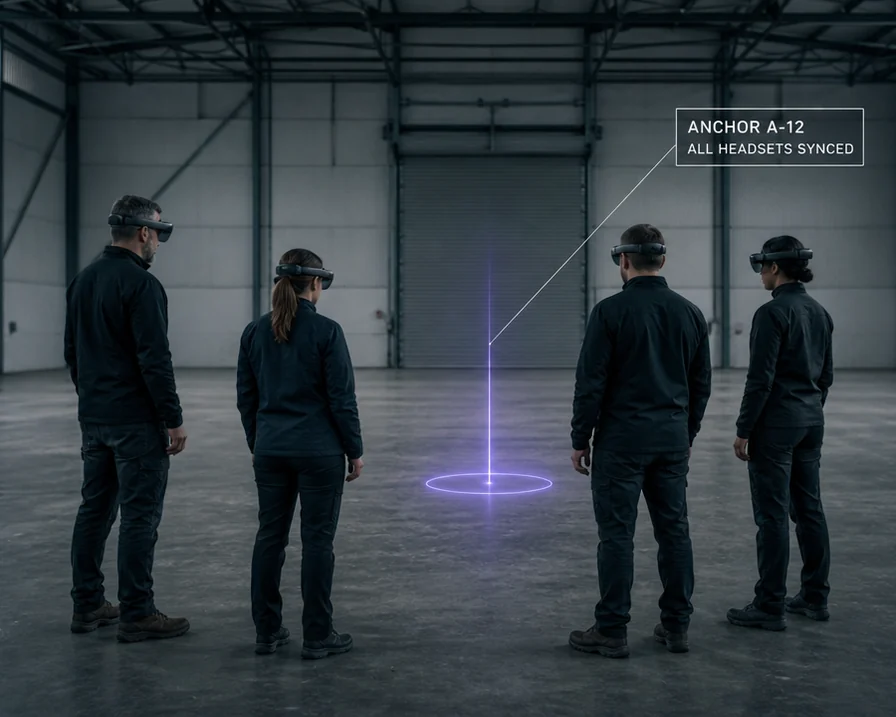
Four trainees in mixed-reality headsets standing around a violet anchor marker on the floor of an empty training bay, with a label reading ANCHOR A-12, ALL HEADSETS SYNCED

AR Training and Simulation: Keep Every Headset in the Room Agreeing Where the Scenario Is

Trainees walk a real building while the scenario stays anchored to it. Every device resolves against the same map, so the scenario is in the same place for all of them, for the whole session.

Twelve or more devices on one origin. Runs on the headsets and phones you already bought.

A trainee who kicks a marker should not end the exercise.

The Gap Between the Scenario and the Site

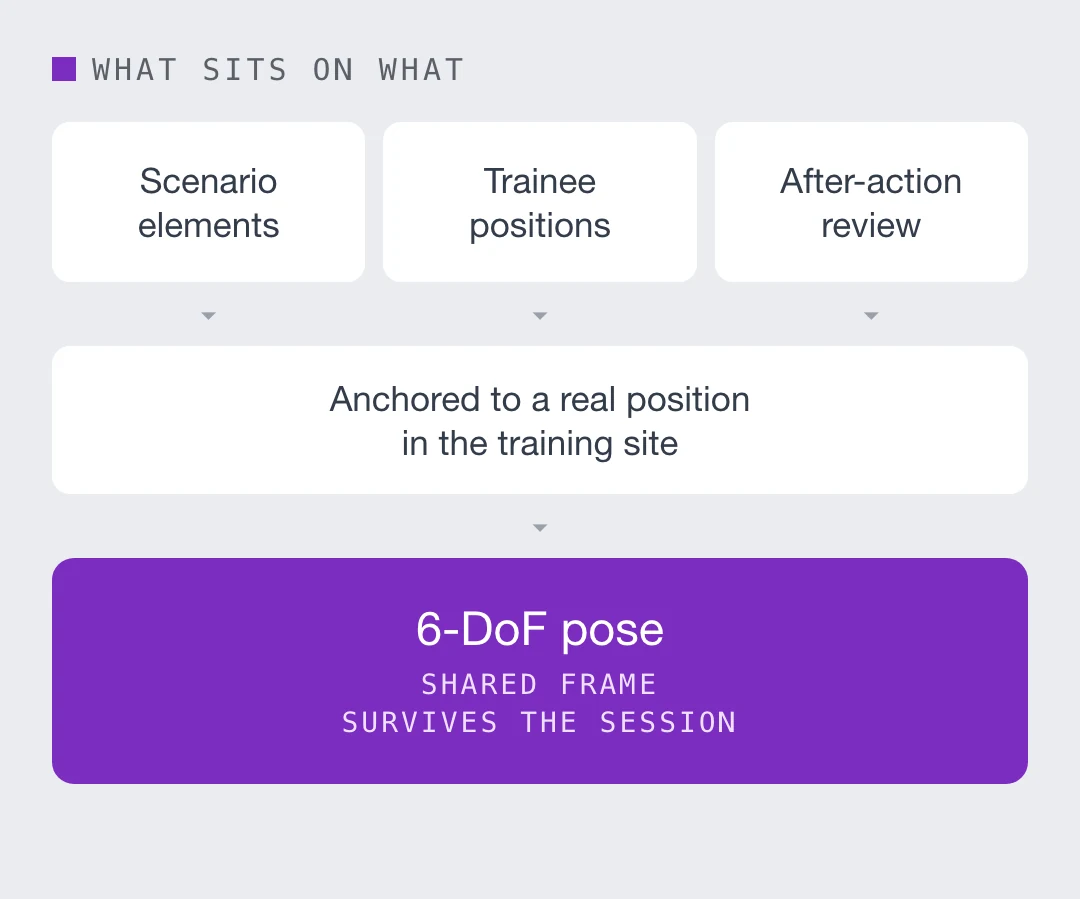
A training scenario is content. It only means anything if it is in the right place, and stays there for the whole session. Device tracking drifts away from where the session started. Base stations, beacons and camera rigs have to be installed at every new site. Repetitive interiors, the corridors and bays where scenarios are actually run, defeat onboard mapping. And alignment that depends on a marker fails the moment a trainee kicks one.

None of those are content problems. The requirement underneath all of them is six degrees of freedom, in a frame every device shares, that holds for the length of an exercise. Everything above it, the scenario, the role players, the after-action review, works or fails on whether that holds.

Scenario elements, trainee positions and after-action review resting on anchoring to a real position in the training site, which rests on a 6-DoF pose in a shared frameScenario elements, trainee positions and after-action review resting on anchoring to a real position in the training site, which rests on a 6-DoF pose in a shared frame
What a connected worker programme actually needs underneath it
Most connected worker deployments stall at the same place. The content is ready, the headsets are bought, and nothing can be anchored reliably because the underlying position is a room-level estimate or a QR code somebody has to maintain. Six degrees of freedom, in a frame that survives the session and that every other device shares, is the requirement. Everything above it, work instructions, telemetry, remote expert, is content that fails or works depending on whether that requirement is met.

Runs on: phones, tablets, smart glasses, headsets, browsers
Feeds:

- Work instructions, procedures and permits, anchored to the unit
- Live readings, work orders and asset history from your existing systems

How It Reaches the Training Bay

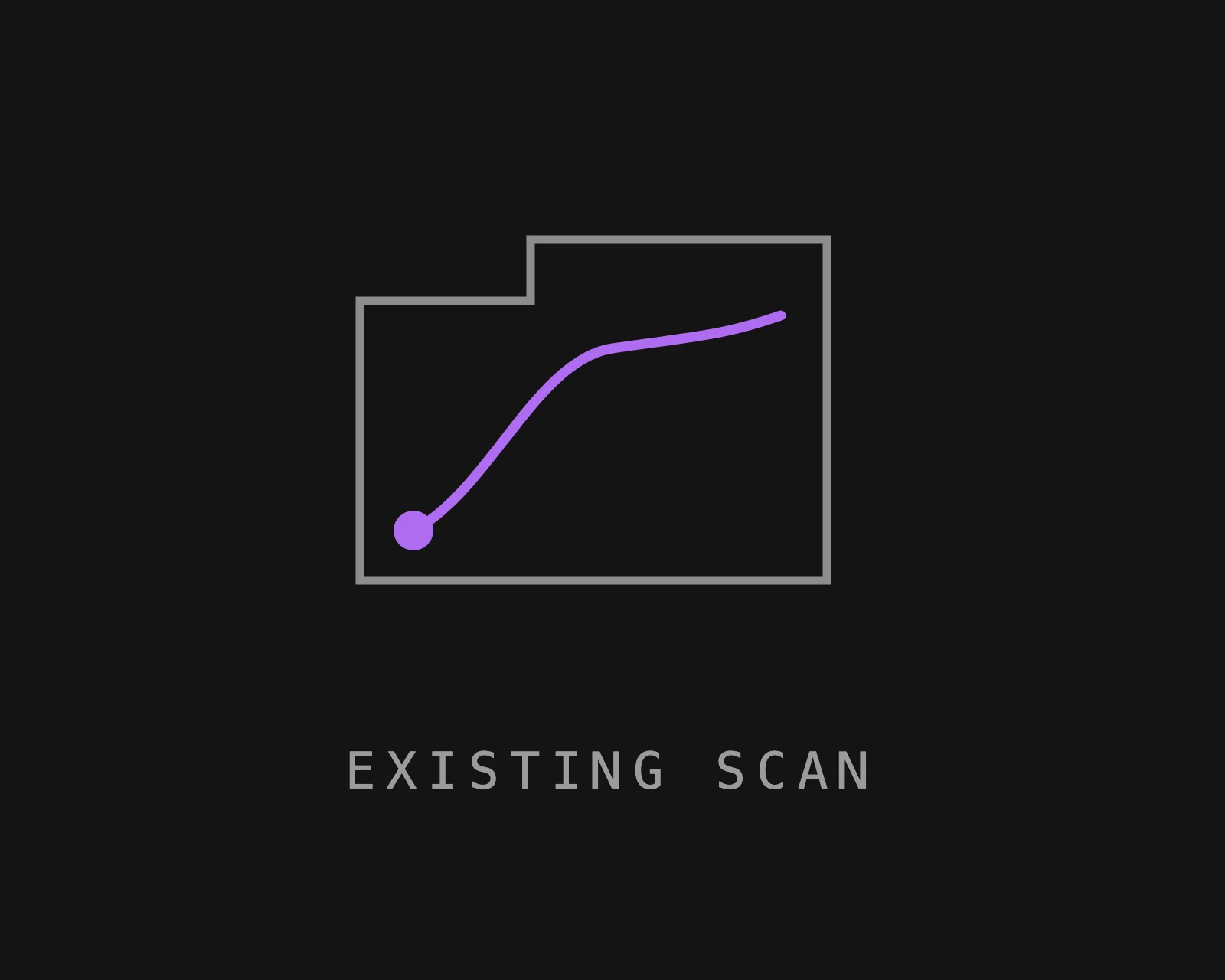
A floorplan outline with a capture path drawn through it, captioned EXISTING SCAN
Use the scan the site already has
Agencies and operators arrive with a Matterport, an E57, a LiDAR set or a phone capture of the real building. All of them work as inputs. No new survey, no proprietary hardware, no re-scan.
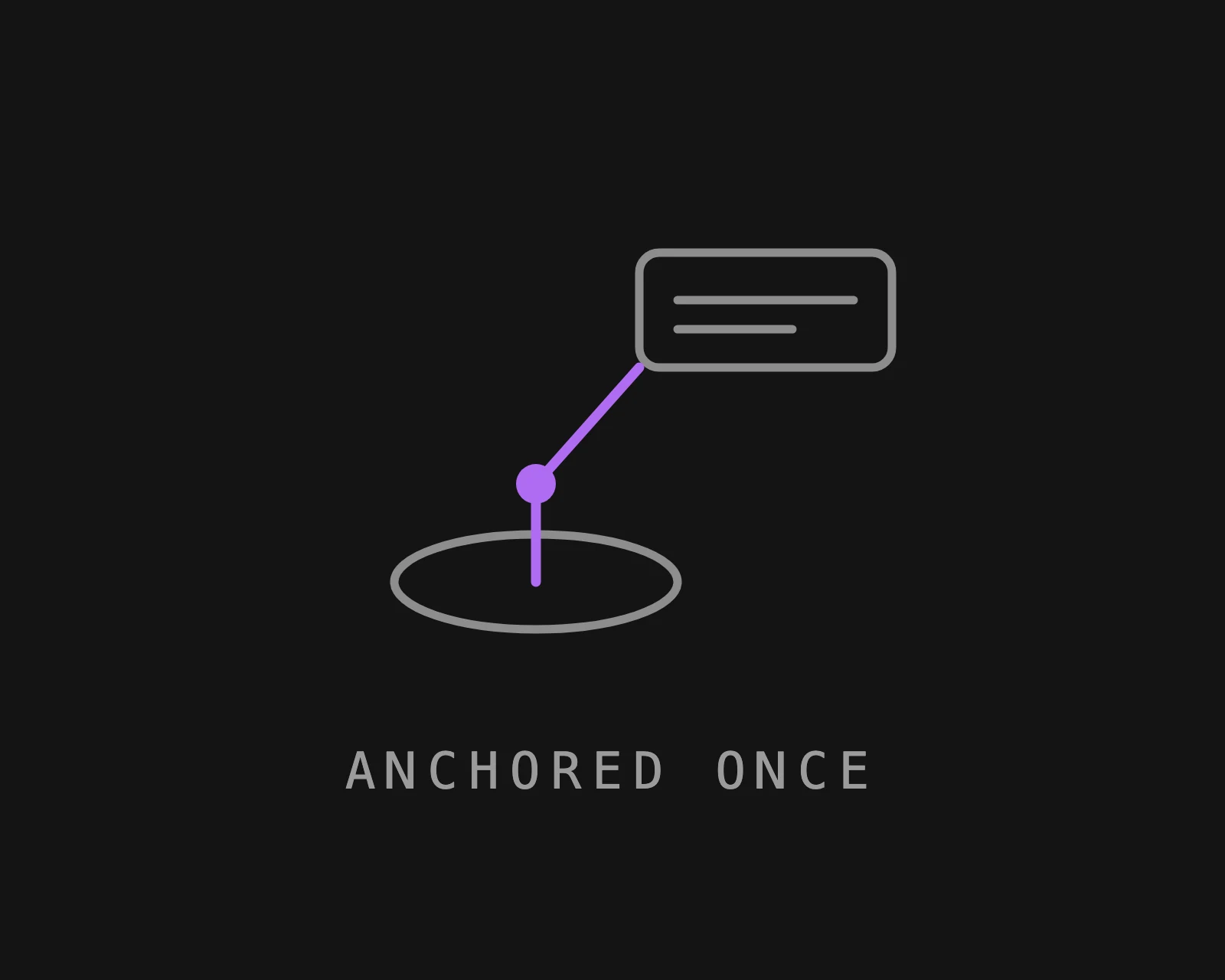
A floor anchor ring with an information panel tethered to it by a leader line, captioned ANCHORED ONCE
Anchor the scenario once
Attach scenario elements, routes, zones and props to real positions in a shared coordinate frame. They are placed once and survive sessions, shift changes, device changes and the next re-scan.
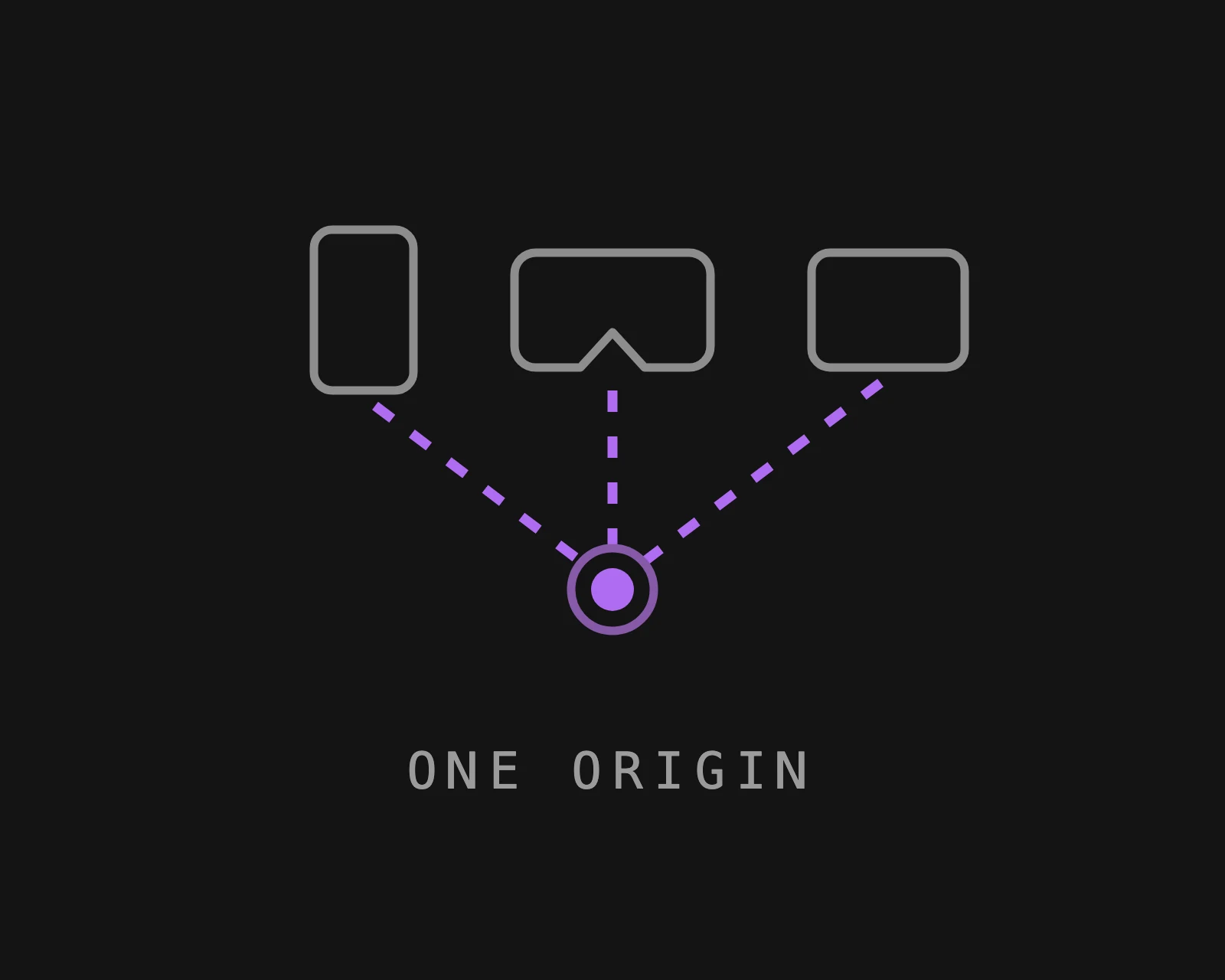
A phone, a headset and a tablet each resolving to one shared point on the floor, captioned ONE ORIGIN
Every device resolves against it
Each headset or phone localizes from a camera frame and lands on the same origin. A Quest, a newer headset and a tablet see the scenario in the same place, and adding next year's device is an SDK call rather than a rebuild.

What Immersive Training Teams Build On It

Free-Roam Co-Located Training

Ten or twelve trainees walking a real warehouse or gym untethered, all seeing one shared virtual building. The headcount a vendor can advertise is a localization problem before it is anything else.
Scenario in the Real Location

Scenario elements composited into the actual room, the actual hallway, the actual vessel interior. Nothing to anchor to but the building itself, which is the point.
Rehearse on the Scan, Then Walk the Building

Train inside a scan of the real site, then walk the physical site with the same overlay in the same places. Rehearsal and reality line up because they are the same map.
Mixed Device Fleets

A training bay accumulates hardware generations. One map serves all of them through a single SDK, so a new headset joins without re-authoring the spatial layer.
Portable, Not Installed

No camera rig and no beacons means a training capability that can move to a new site, or scale from three trainees to twelve in the same room, without a capital project.
Your Data Stays Where Policy Says

Public cloud, single-tenant private VPC, self-hosted on-premises, or fully on-device with no outbound call. Interior scans of a real facility are frequently the sensitive artefact, and where they live is a procurement question before it is a technical one.

Where This Sits Against a Fixed Tracking Rig

MultiSet does not replace any of them. It is the layer that gets what they hold to the person standing in front of the equipment.

Two related pages: AR quality inspection for the positioning layer under field work, and spatial incident reporting for uncrewed systems on the same map.

Talk It Through
DIMENSION
Fixed camera rig or beacons
MultiSet positioning layer
What a new site needs
Mounting, cabling, calibration, a room that cannot change
A scan the site already owns
Trainee headcount
Bounded by rig coverage and cost
Bounded by the map, not the hardware
Moving the capability
It is an install
It travels
Device mix
Tied to what the rig supports
Headsets, phones and tablets from one SDK
A new hardware generation
Re-engineer the spatial layer
An SDK call. The map does not change
Rehearsal and the real building
Separate systems
One map serves both
Frequently asked questions
How many trainees can share one session?

The limit is the map and the network, not a tracking rig. Every device localizes independently against the same map, so headcount does not require more cameras, more base stations or more calibration. Teams commonly run ten to twelve in one space.

Do all the headsets have to be the same model?

No. Mixed headsets, phones and tablets resolve against one map through a single SDK, and they see content in the same place. When a new device generation arrives it is an integration, not a rebuild of the spatial layer.

What do we install at the training site?

Nothing physical. No beacons, no base stations, no camera rig and no markers on walls. A scan of the building becomes the map, and the scan is usually one the site already has.

How is this different from marker or beacon tracking?

Markers and beacons are infrastructure you place and maintain, and both fail in the conditions training creates. A marker that gets kicked stops working, and beacons have to be installed at every new site. A visual positioning system matches what the camera sees against a map of the building, so there is nothing on the wall to move.

Can trainees rehearse virtually and then train in the real building?

Yes, and it is the same map for both. Content anchored for the rehearsal is in the same real-world position when somebody walks the physical site, so the two line up rather than approximating each other.

What happens when the training site changes?

Re-scan the zone that changed rather than the whole site. Anchored scenario content carries forward to the new version automatically, so elements placed last year do not have to be positioned again by hand. Ask any vendor this early, because a system that needs a full recapture after every layout change will fall out of use inside a year.

Can it run with no network, or under strict data rules?

Yes. Public cloud, private cloud, self-hosted or fully on-device. In self-hosted and on-device modes, no maps, images or spatial queries leave your infrastructure, and no external connection is needed to return a position.